Create a folder and upload your first documents
See how to create a folder for a company or client, connect it now or later, and upload your first documents to the right area.
Watch tutorialSee how to collect documents, set coding rules, work with line items and export to your accounting software.
See how to create a folder for a company or client, connect it now or later, and upload your first documents to the right area.
Watch tutorialInvite colleagues and clients to the folders they need, with the right access, in one step.
Watch tutorialSee how fixed amounts and percentages split one bill into coded lines, preview the result and save the split for every new bill from the supplier.
Watch tutorialSet up a keyword rule for recurring words in line descriptions, test it, and let it code matching lines automatically.
Watch tutorialSee where each supplier’s saved coding lives and how to change it for future documents.
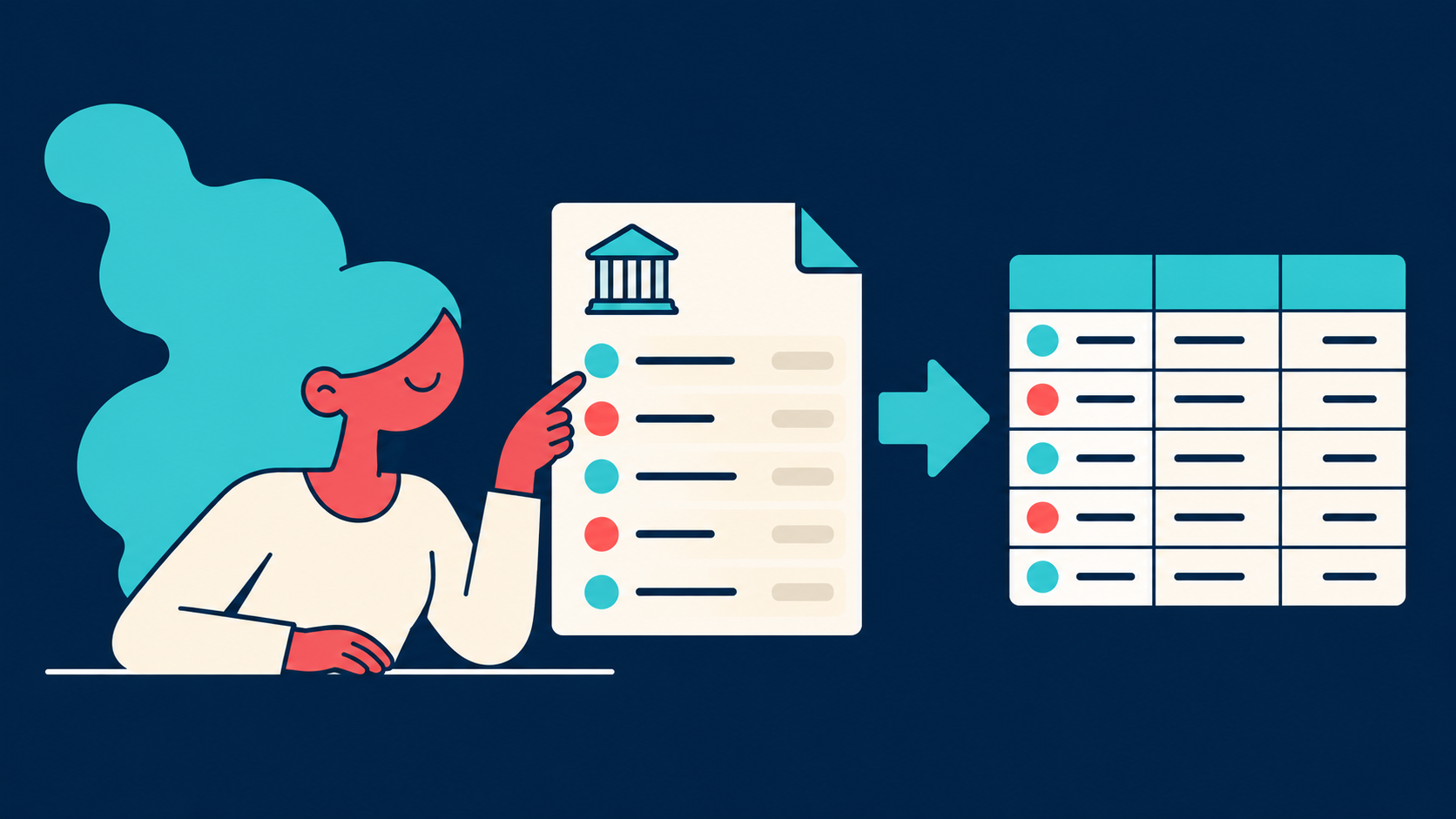
Watch tutorialDownload one statement, a filtered set of transactions or several statements combined into one CSV file, ready to import into your accounting software.
Watch tutorialSelect a batch of Ready invoices, apply shared coding in one go and export them to your accounting software together.
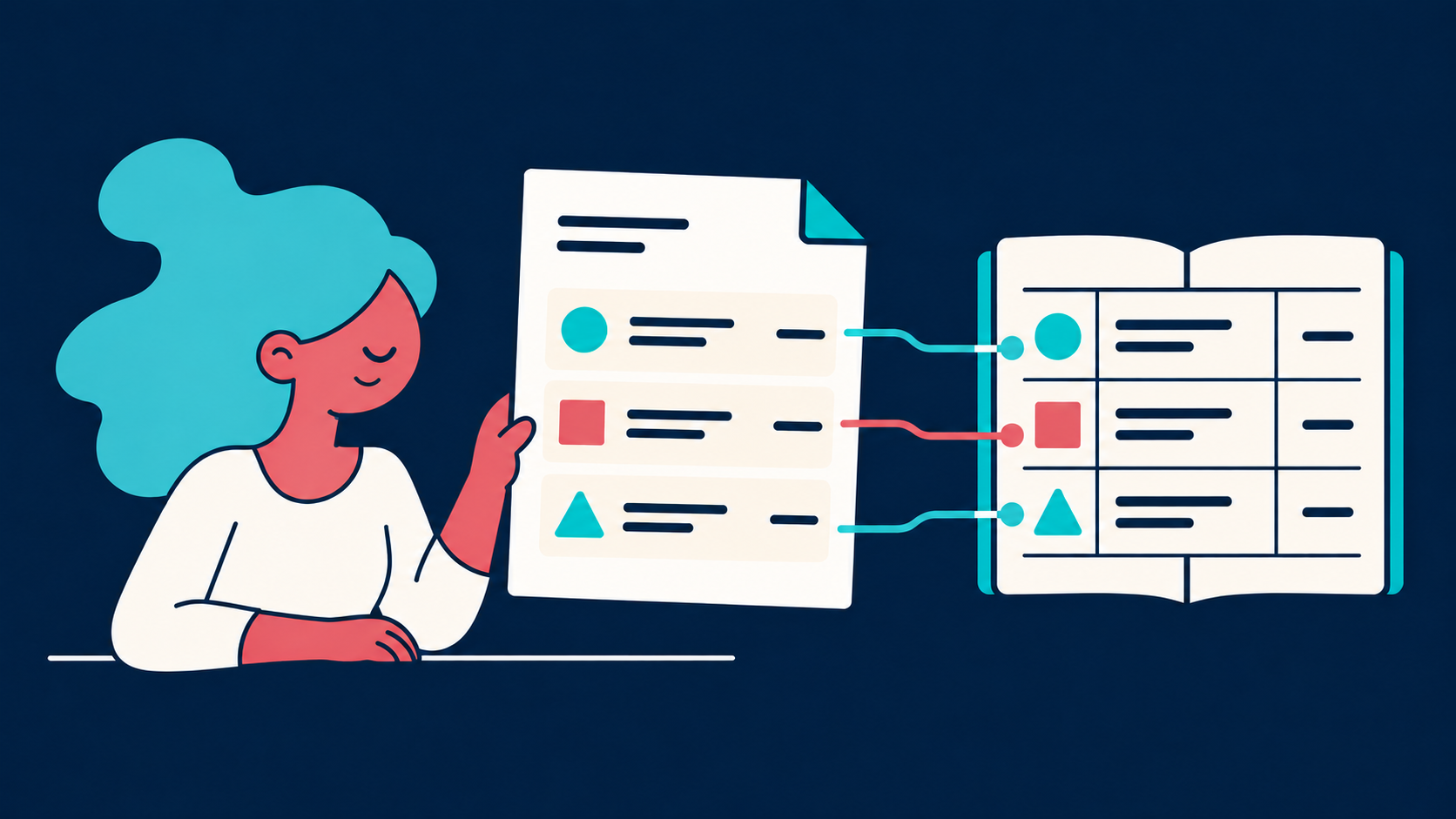
Watch tutorialReview individual invoice lines, give each one its account and tax code, and export the full detail to your accounting software.
Watch tutorialFind step-by-step instructions in the Help Centre, or ask our team in the app.
Open the Help Centre