Capture every invoice line. Reuse your coding.

Turn detailed supplier invoices into lines your team can review and code. Reuse accounting decisions for the same supplier and exact description, or set keyword rules for descriptions that vary. Choose a plan with line-item extraction.

14 days free, no payment details needed.

Keep the supplier detail useful.

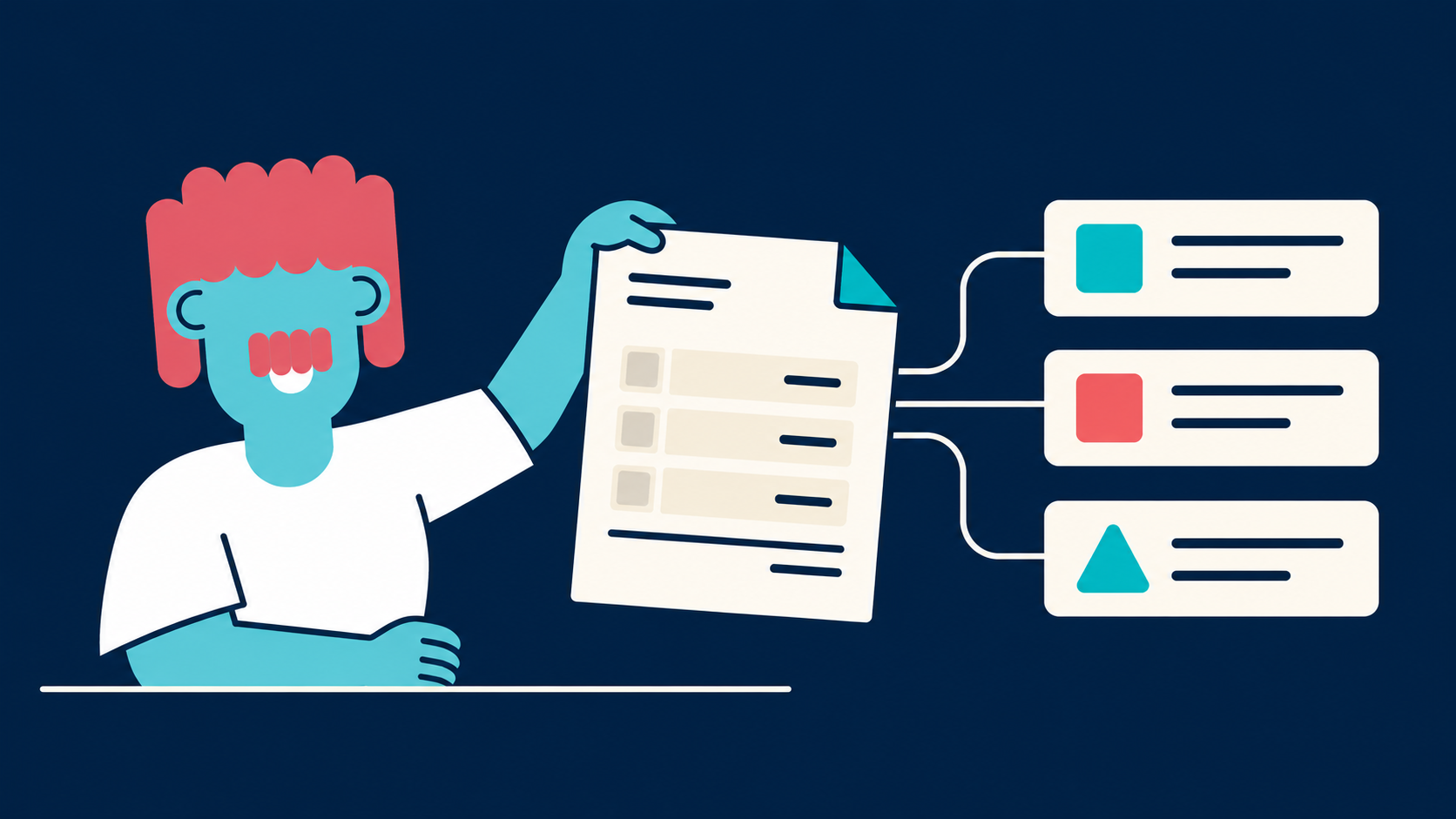
One invoice can contain different products, services, tax treatments and reporting categories. Prepare the line detail before it reaches your accounts.

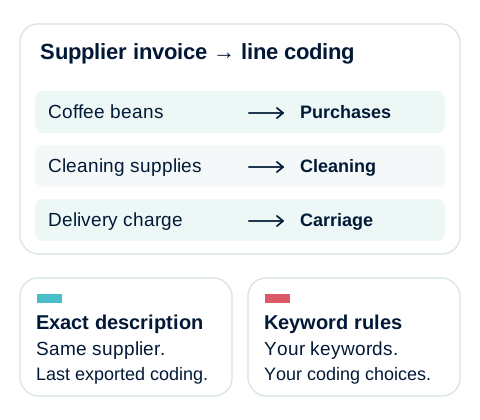
Coffee beans, cleaning supplies and delivery are coded separately. Exact supplier and description matches reuse the last exported coding; keyword rules use keywords and accounting choices you configure. These are illustrative account names.

Illustrative account names: capture each invoice line, then reuse your saved coding or apply the keyword rules you configure.

  1. Capture the printed information

    Capture descriptions, quantities and line amounts where the invoice provides them. Unit prices are calculated from captured quantities and amounts. Review unclear or missing source detail against the original.

  2. Code different costs separately

    Give each line the account, tax code and supported tracking or product field it needs. A cleaning charge and equipment hire on the same invoice need not share an account.

  3. Review in one workspace

    Use the fullscreen line editor, select several lines and apply coding in bulk. Compare the coded totals with the invoice and resolve differences before export.

Code a line once. Reuse the decision.

The invoice supplies the description and amount. Your team supplies the accounting treatment. Datamolino can repeat the decisions you already made.

The same supplier and exact description

For an exact description match from the same supplier, Datamolino reuses the coding from the last exported matching line unless a higher-priority rule applies. The exact description matters: a changed reference can stop that match.

Keywords for descriptions that change

Set your own Begins with, Ends with or Contains conditions. For example, Contains “Office rent” can match “Office rent September” and “Office rent October”. Require all conditions or at least one, and test intended matches and false matches.

Rules you can review

Supplier keyword rules take priority over folder keyword rules. Review new descriptions and changed purchases before export. The available coding fields depend on the connected accounting system.

Send the line detail your accounts need.

Select the export detail and coding supported by your accounting connection.

Xero

Xero invoice lines

Prepare accounts, tax rates and tracking categories line by line. Export the bill with its original invoice.

Xero line-item extraction
QuickBooks Online

QuickBooks purchase lines

Datamolino supports Category details for account-based costs and Item details for Product/Service-based purchases.

QuickBooks line-item extraction
FreeAgent

FreeAgent invoice detail

Prepare captured lines and the category and export options supported by FreeAgent. Review its integration-specific limits.

FreeAgent integration

Choose the next step for the invoice.

Keep the printed lines, replace them with an allocation, or obtain purchase sign-off when needed.

  • Allocate a shared bill

    Bill Split replaces captured lines with fixed or percentage allocations. Use it when the accounting breakdown differs from the printed invoice.

    How to use Bill Split
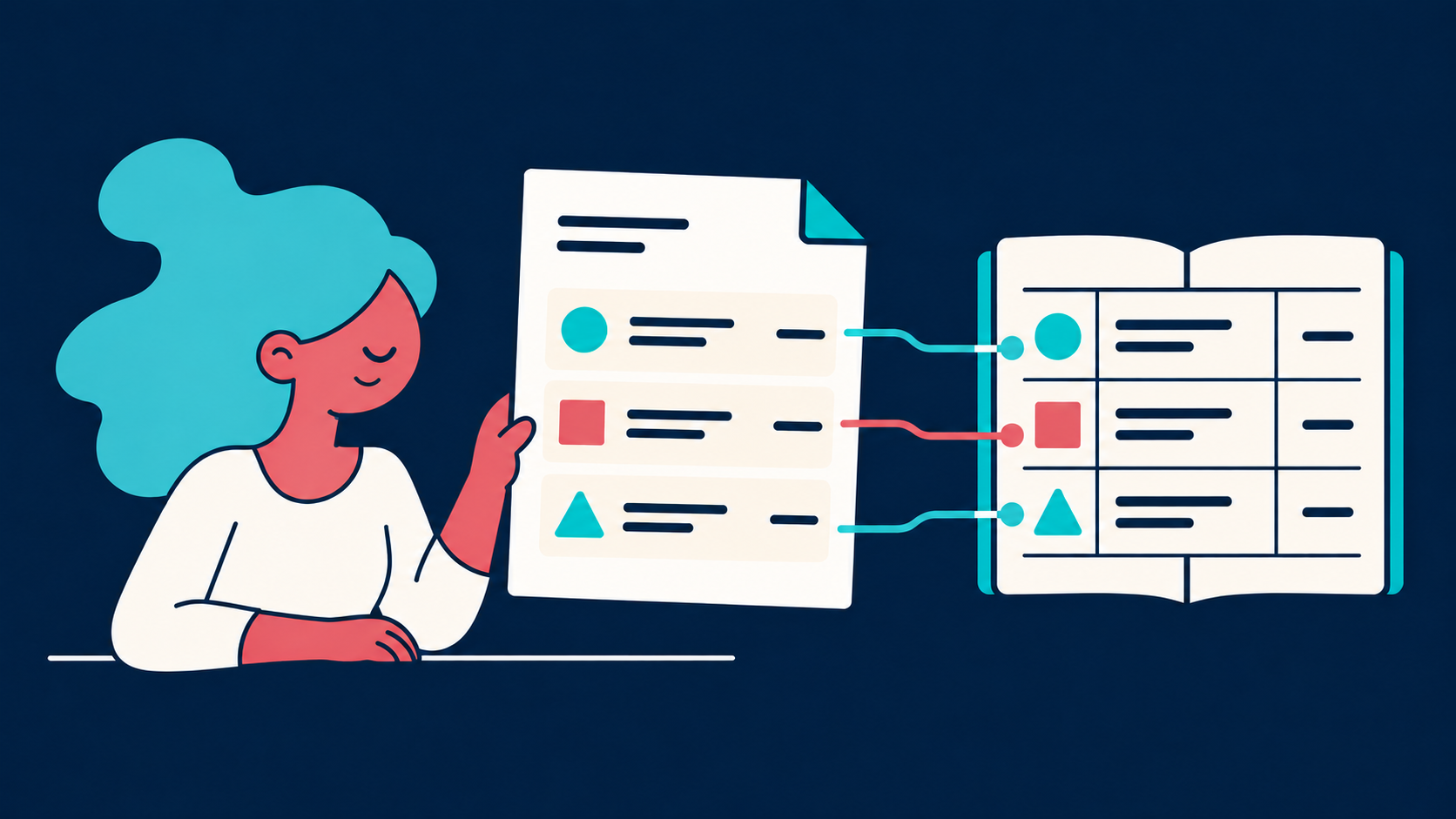
  • Two colleagues pass a checked purchase invoice to accounting review beside a ledger.

    Approve the purchase. Finish the coding.

    Invoice approvals are optional and included. Configure the handover so the client or manager confirms the purchase while your team completes the accounting.

    Set up the two responsibilities

Questions about this workflow

Are line items included in every plan?

Choose a subscription with line-item extraction when you need individual invoice lines. Totals-only plans do not include it. The pricing page lets you compare the options for your document volume.

Does it remember a supplier or an individual invoice line?

Both supplier defaults and line-level coding are available. Exact-description line matching uses the same supplier and the last exported matching line. Keyword rules let you define how changing descriptions should be coded.

What if an invoice description changes every month?

Use a keyword rule for the wording that stays consistent. Begins with, Ends with and Contains conditions can cover varying dates or references. Test the rule and review exceptions.

Can we keep different coding for different sites?

Yes. Use separate folders with their own saved coding rules. Several folders can connect to the same accounting organisation. Apply the supported accounting tracking fields where the ledger needs the site identified.

Try a detailed invoice and its next repeat.

Bring a bill with several kinds of cost and a recurring supplier invoice. We will show the extracted detail, coding matches and exported result.