


Collect receipts from clients
Clients photograph receipts in the app. They arrive in Purchases in the client’s folder and are processed like any other upload.
The Datamolino app for iPhone and Android turns your phone camera into a receipt scanner. Photograph a paper receipt and it goes straight to your Datamolino folder. Approvers can review and approve invoices wherever they are. Sign in with your Datamolino account.
14 days free, no payment details needed.
For accounting and bookkeeping firms
Accept the invitation from your practice, photograph receipts into your folder and add a note about the purchase. Review and approve assigned invoices in the same app.
Receive the receipts in the client’s folder with their notes, then check, code and export the documents in the web app.
Clients photograph receipts in the app. They arrive in Purchases in the client’s folder and are processed like any other upload.
A comment added in the app, such as the purpose of the expense, appears next to the document in the web app.
Clients can review and approve assigned invoices in the mobile app or on the web.
For businesses
Staff photograph receipts wherever they are, and managers approve assigned invoices from their phone. Finance checks, codes and exports the documents in the web app.
Photograph a receipt while it is still at hand. It goes straight to Purchases in your company folder.
Add a comment such as the purpose of the expense or the project to bill it to, so finance can code it.
Managers can review and approve assigned invoices in the mobile app or on the web.
No scanner needed. Use your phone camera and the image goes straight into Datamolino for processing.
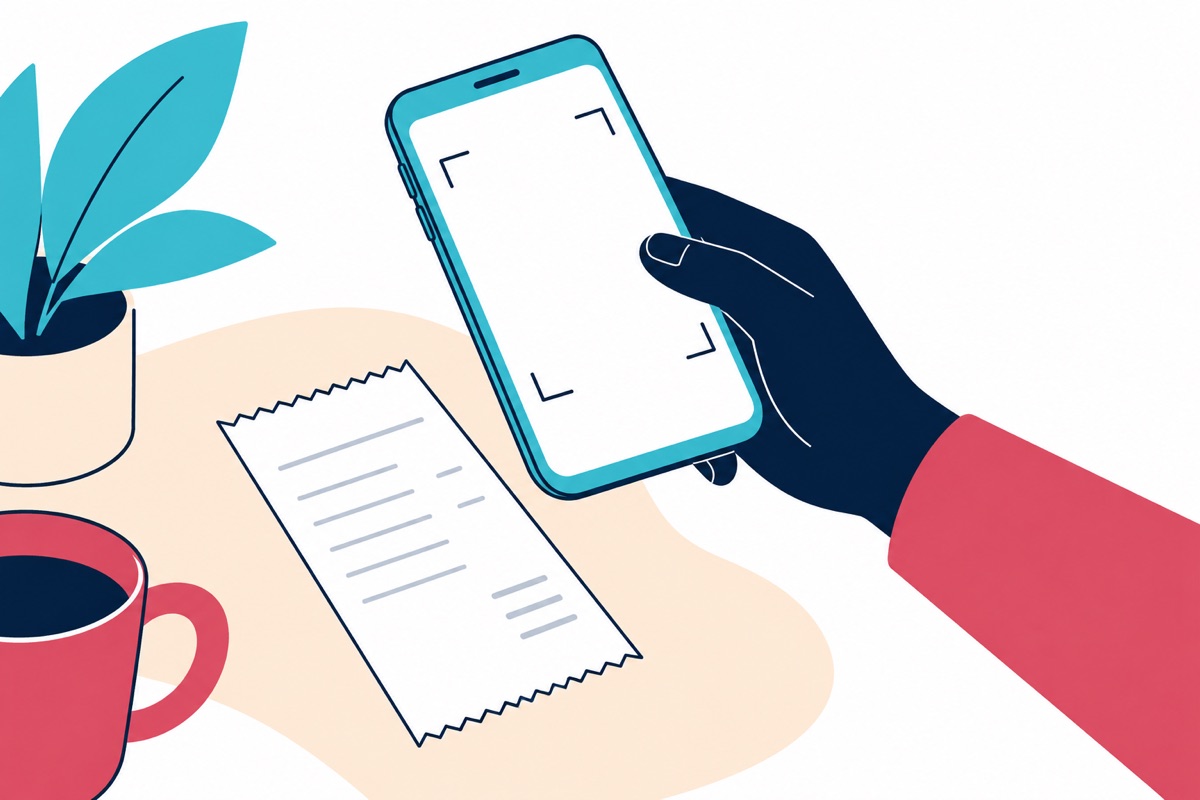
Sign in with the same email and password you use on the web. The app shows the folders you have access to. Pick the one for this company under Active Folder and start taking photos.
Photos go to the folder’s Purchases area and are processed the same way as a web upload. The source label shows imported from mobile app, so your team can see where each document came from.
If your connection is low or unstable, the app keeps your captures in the Queue and uploads them automatically once the connection improves.
Open the Queue tab to see what is uploading and what is still waiting.
Photograph the whole receipt, straight on and in good light. Blurry photos, glare and sharp angles make the details harder to read.
Avoid writing on the receipt itself. Add your note as a comment in the app instead.
A short note travels with the receipt, and you can check what Datamolino captured without leaving the app.
Open a captured document, tap Comments and add a short note, for example the purpose of the expense or the project to bill it to.
The comment appears next to the document in the web app, so whoever codes it later can see your note.
Once a document is processed, tap Full captured data to see the extracted fields in the app.
Tap Open in web app to see the document in your browser without leaving the mobile app.
Assigned approvers can make the decision wherever they are, without waiting to return to the office.
Clients and managers can review and approve assigned invoices in the Datamolino mobile app. They can also approve in a browser on their phone or desktop.
Access is limited to the documents assigned to the approver and their permissions.
See invoice approvalsApprovers can choose immediate email updates or a scheduled summary of invoices waiting for their approval.
Folder admins can also set a month-end reminder for invoices still waiting before the books close.
The mobile app captures receipts and handles approvals. Your bookkeeping or finance team codes and exports the documents in the Datamolino web app.
In the web app, your team checks the captured data and sets the account, tax code and tracking. Coding saved from earlier decisions for the same supplier fills in the usual choices, so your team only steps in when something changes.
See how saved coding worksExport prepared receipts from the web app to Xero, QuickBooks Online or FreeAgent, with the original document attached.
Watch a short demonstration, then follow the written guide for the details.
Yes. If your accountant, bookkeeper or company invited you to a folder, use the link in the invitation email to set up your account. Otherwise, create an account on the web first. Then sign in to the app with the same email and password.
To the Purchases area of the folder you choose under Active Folder. They are processed the same way as a web upload.
No. The app captures documents for Purchases only. Upload sales invoices, bank statements and other files in the web app.
No. Coding (accounts, tax codes and tracking) and export to your accounting software happen in the web app. You can open a document in the web app from the mobile app.
Admins and Users can capture receipts and approve the invoices assigned to them. Approver-only users review and approve their assigned invoices but cannot upload documents from the app. They can send documents to the folder by email.
Yes. The app shares your account’s processing limits. If the account has reached its document limit, or the free trial has ended, the app cannot import new receipts.
Files travel between the Datamolino mobile app and our servers over a secure channel using 256-bit SSL encryption where supported.
Read how we protect your dataStart a free trial on the web: 14 days and up to 100 documents, including line-item capture, with no payment details to start. Then download the app and sign in with the same account.