Reduce paper invoice handling without losing source records
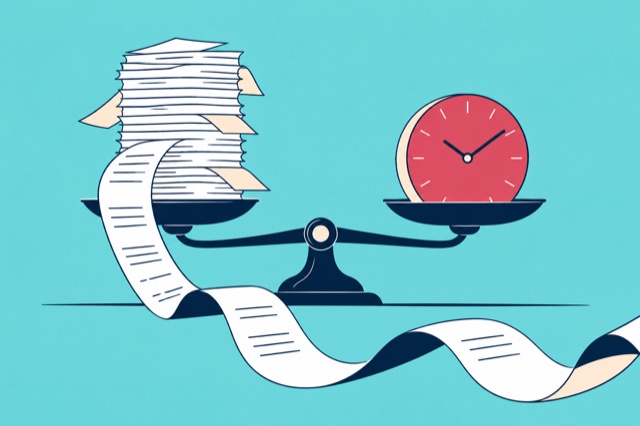
Agree how documents enter the system, check that each digital copy is complete, and make sure the people doing the bookkeeping can retrieve it. Set a retention process before discarding originals. Reducing paper handling depends on the whole recordkeeping process, including access and retrieval.
Can we discard every paper original after scanning?
Check the recordkeeping requirements that apply to your business and document type first. Confirm that the digital copy is complete and readable before following your agreed retention policy.

Remove the printing step where possible
If a supplier already sends a PDF, keep that digital file rather than printing it and scanning it again. For paper invoices, scan all pages. For receipts, photograph the full document while the print is readable.
Choose one collection route for each type of document. That may be supplier email, a web upload or mobile capture. Tell colleagues where to send documents and who checks that they arrived, so a PDF does not remain in one person's inbox while someone else waits for it.
Use the supplier email request template if you are changing how suppliers send invoices. Datamolino's email import guide explains the folder addresses.
Check the digital copy before you file the original
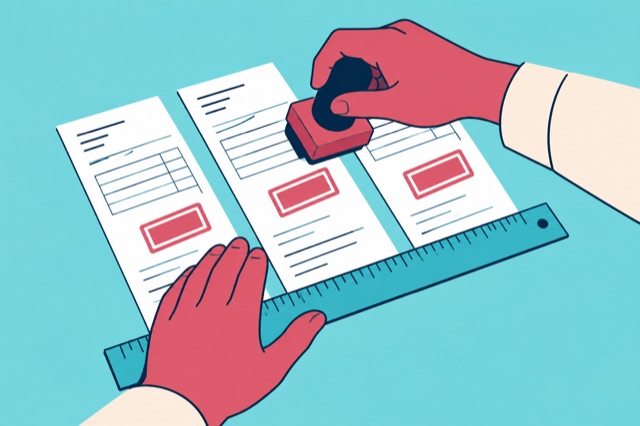
A captured total does not tell you whether every page was scanned. Open the document itself and check the page edges, invoice number, totals and any continuation pages. If a photo is blurred, take another while you still have the receipt.
Keep one complete invoice together. If a scan contains several invoices, check the resulting document boundaries after automatic PDF splitting. A two-page supplier bill should remain one transaction with both pages attached.
Agree who checks and who approves
A colleague may only need to submit receipts. Your bookkeeper may prepare account and tax coding. A manager may need to confirm that an invoice is valid for the business before it is exported. Give each person the access required for their part of the process.
Try that handoff with a real example. Ask the person who will review the document to open it using their own access. Check that they can find the source and complete the intended task. If sign-off is needed, use the approval workflow guide to define it.
Set retention before discarding paper
For UK VAT records, HMRC requires businesses to retain issued invoices and received invoices, allowing original or electronic copies. The usual minimum is six years, with a ten-year period for records under the OSS or former MOSS schemes. HMRC's VAT recordkeeping guidance explains the scope.
That is not a universal retention rule for every country, business or document. Record which policy your organisation follows and who is responsible for it. Check any requirement to keep an original before it is discarded.
Also establish what happens if you change accounting software, close an account or a colleague leaves. Confirm the service's current access, export and retention arrangements for your setup. A copy held in an online account is useful only while the right people can retrieve it.
Test retrieval as well as upload
Choose an invoice from your trial batch. Ask a colleague who did not upload it to find the document from the supplier name, date or invoice reference. Check that they can identify the matching accounting entry and open the source copy.
If they cannot, fix the folder structure, access or handoff before moving a larger batch. The invoice automation guide shows the preparation and export steps to include in that test.
What should we test before moving a batch of invoices?
Try one digital PDF, one paper invoice and one receipt. Check their capture, accounting export and source-document retrieval with the colleagues who will use the process.