How Datamolino checks for duplicate invoices
It can identify identical files before capture and compare captured invoice data within a folder. Review the warning against the source before importing or exporting another copy.
An identical file can stop before capture
When the same file arrives again in the same folder, Datamolino can identify it before normal capture. This is useful when a supplier sends the same PDF twice or a colleague forwards a message that has already been processed.
The check starts with the file. It does not replace a review of the invoice reference, supplier and amounts when the documents differ.
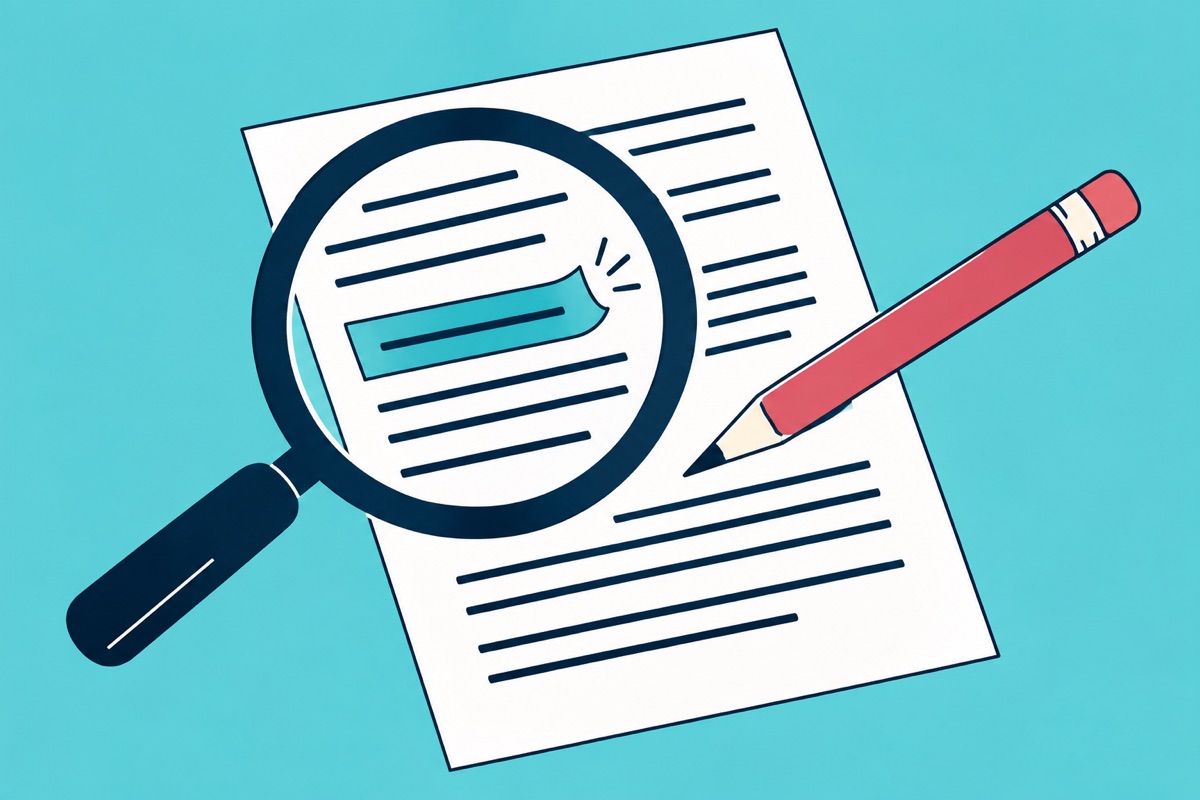
Different files can represent the same invoice
The same supplier invoice can arrive as a revised PDF, a scan and an email attachment. Captured invoice-data checks help find those cases within the folder. Compare the original documents before deciding whether the second item is a duplicate, a credit, a correction or a separate purchase.
Two invoices can share a supplier, date and amount and still be separate transactions. Use the invoice reference and the actual source to resolve the warning.
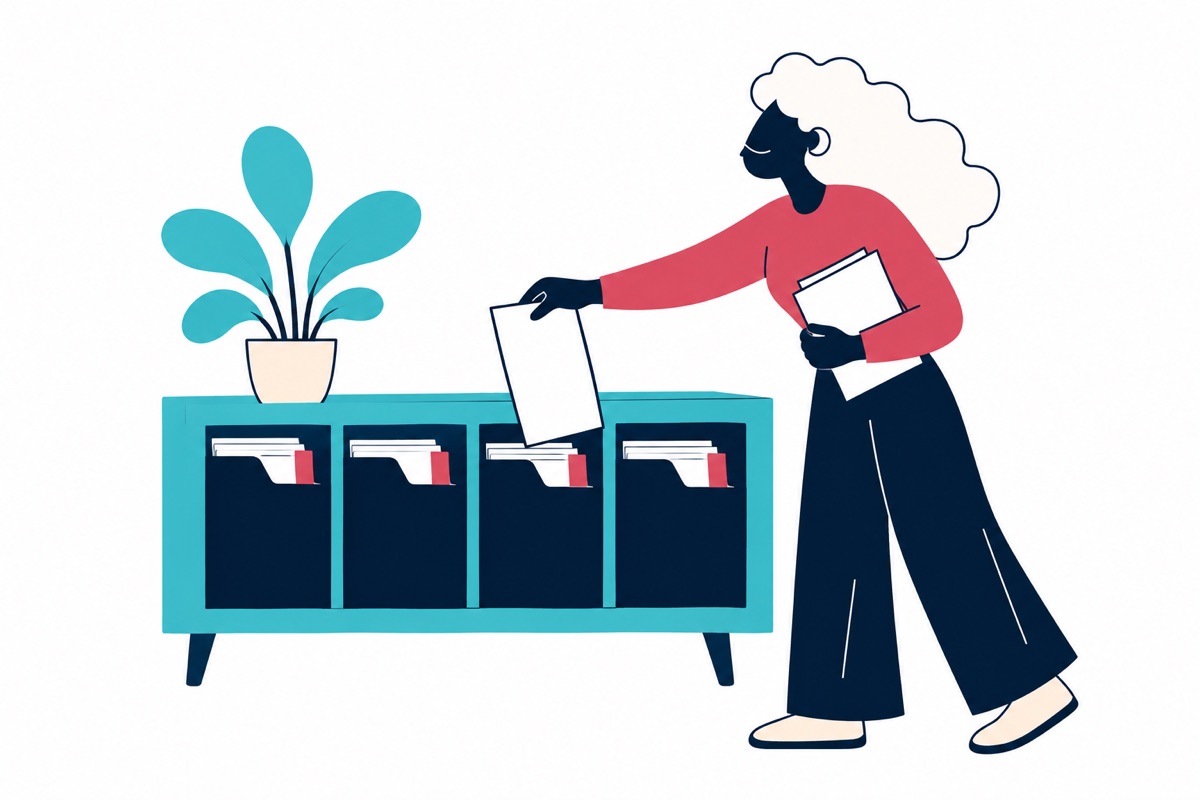
Folder structure affects protection
Duplicate checks are scoped to the relevant folder. Put one accounting entity and its intended document stream in a clear folder structure so that the team knows where invoices are expected to arrive. A copied invoice in a different folder needs the same review as any other new document.
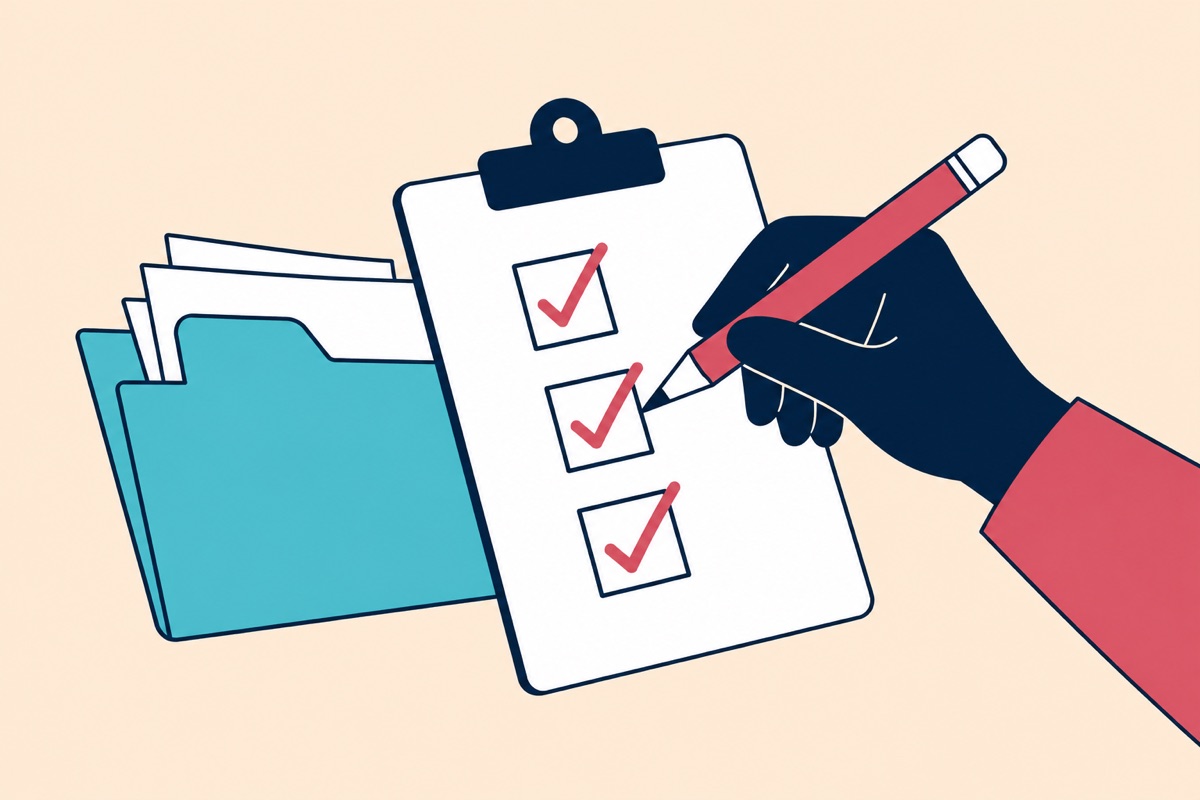
Resolve a warning without creating another problem
Open the existing document and the new source side by side. If they are the same invoice, keep the already processed record and remove the unnecessary intake item through your normal operating process. If they differ, record why and continue with the correct document.
Check Import History and document status before asking a supplier to send another copy. The duplicate detection guide explains the product checks and the folder guide covers routine intake.